



Retail Point of Sale (POS) Systems
Modern POS Solutions Built to Grow Your Retail Business
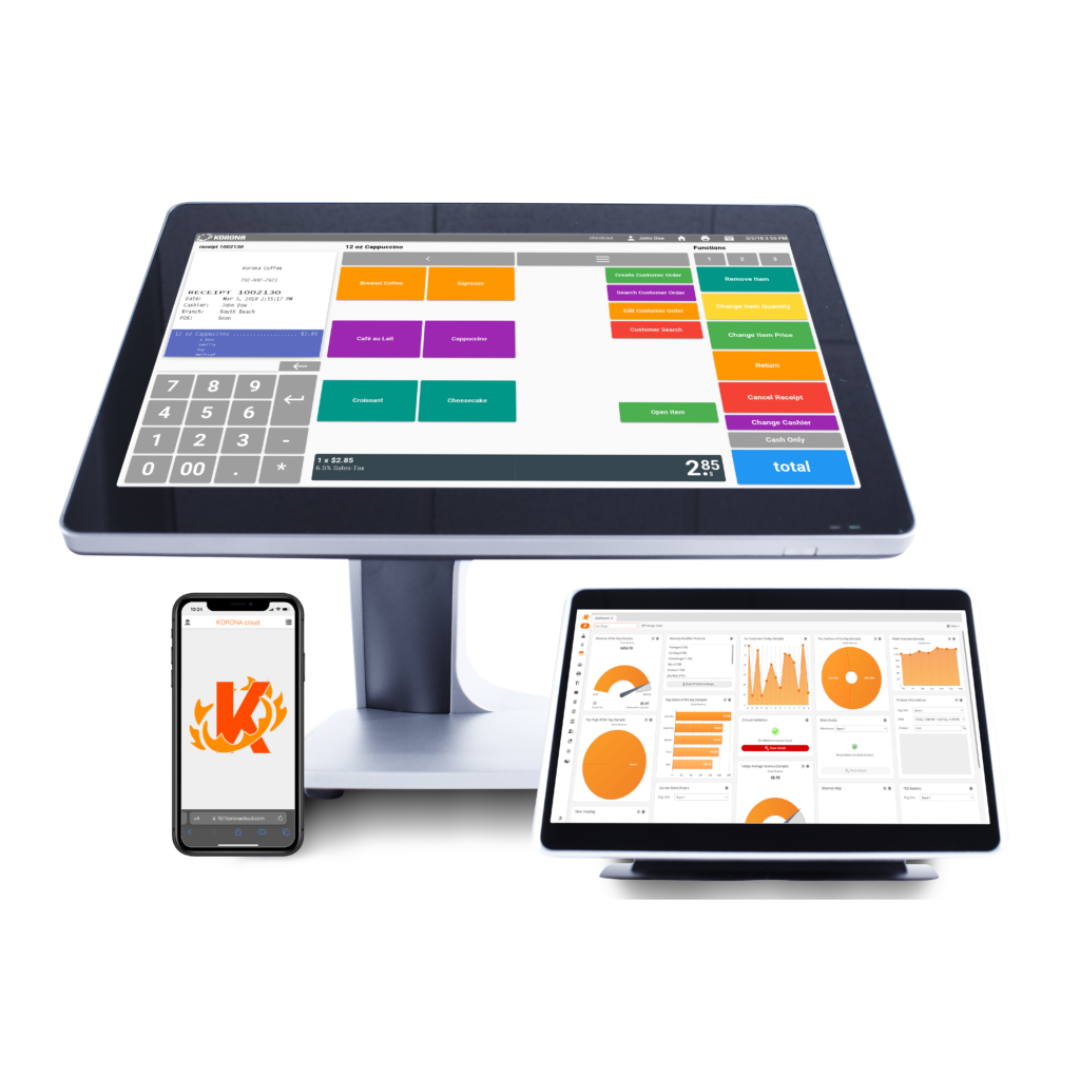
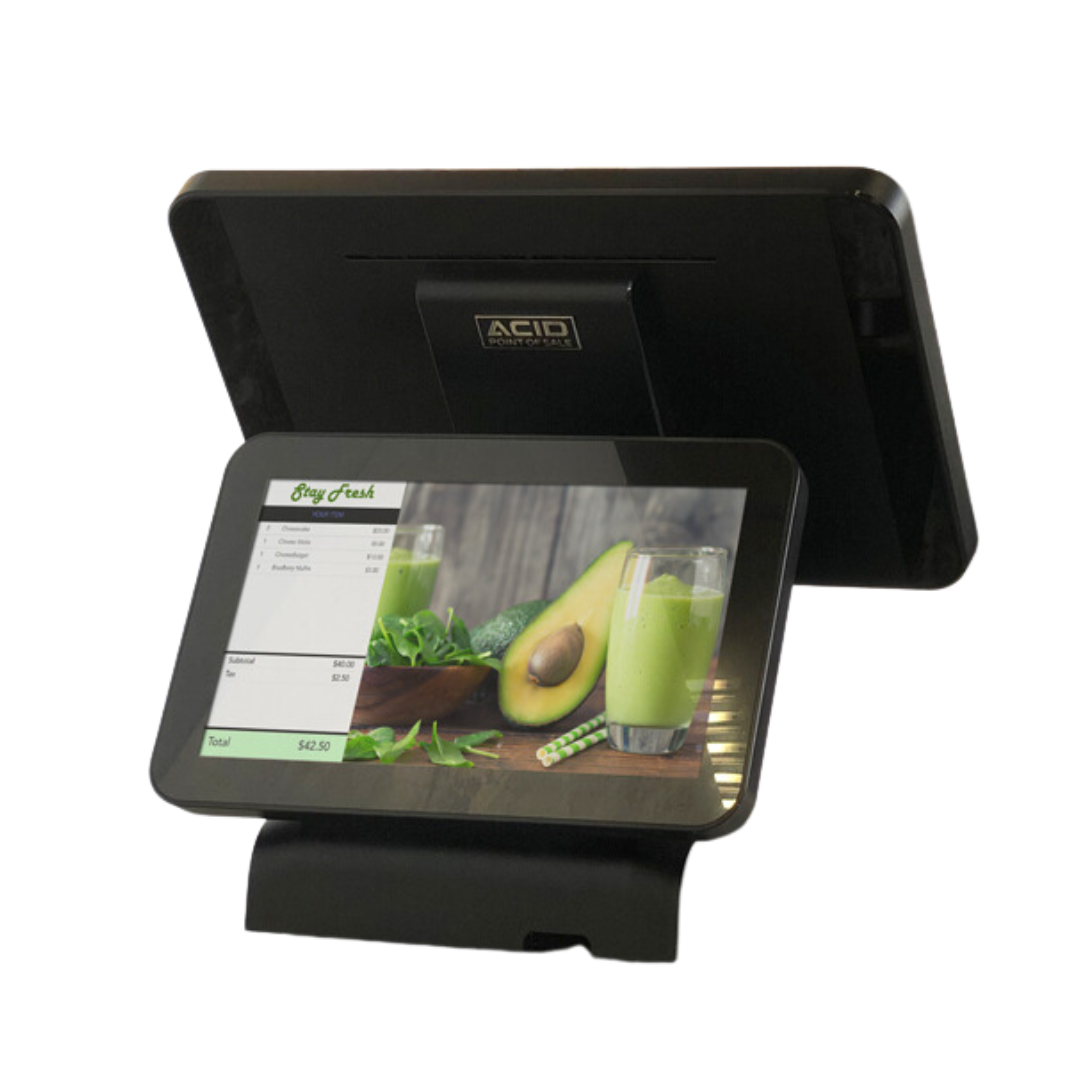
Industry-Specific Retail POS Hardware & Software
We’ve curated a suite of hardware and software combinations tailored to the unique workflows of specific retail niches, ensuring you have the exact tools needed to ring up sales faster and keep customers coming back.
POS for Liquor Stores
Running a liquor store involves more than just scanning bottles. Our systems are built to handle high-volume inventory, complex case-break pricing, and automated age verification to keep you compliant. Whether you’re managing a boutique wine shop or a high-traffic spirits outlet, you’ll get real-time stock alerts so you never run out of your best-sellers on a Friday night.
POS for Boutiques & Specialty Retail
In the world of fashion and specialty goods, your brand is everything. Our boutique POS solutions offer elegant hardware that looks great on your counter and software that tracks every size, color, and style variation in your inventory. With integrated customer profiles, you can see exactly what your regulars bought last season and send them personalized offers that actually drive traffic.
POS for Grocery & Convenience Stores
Speed is the name of the game at the checkout counter. Our grocery and C-store systems support high-speed scanning, integrated weight scales, and EBT acceptance. We also focus on “quick-flick” menus for non-barcoded items and robust back-office reporting that makes sense of thousands of daily transactions across multiple lanes.
POS for Salons & Spas
Your business is built on relationships and schedules, not just products. We provide a hybrid POS experience that manages booth rentals, service commissions, and product upsells all in one place. Your clients can book online 24/7, and you’ll benefit from automated appointment reminders that significantly reduce the “no-shows” that eat into your bottom line.
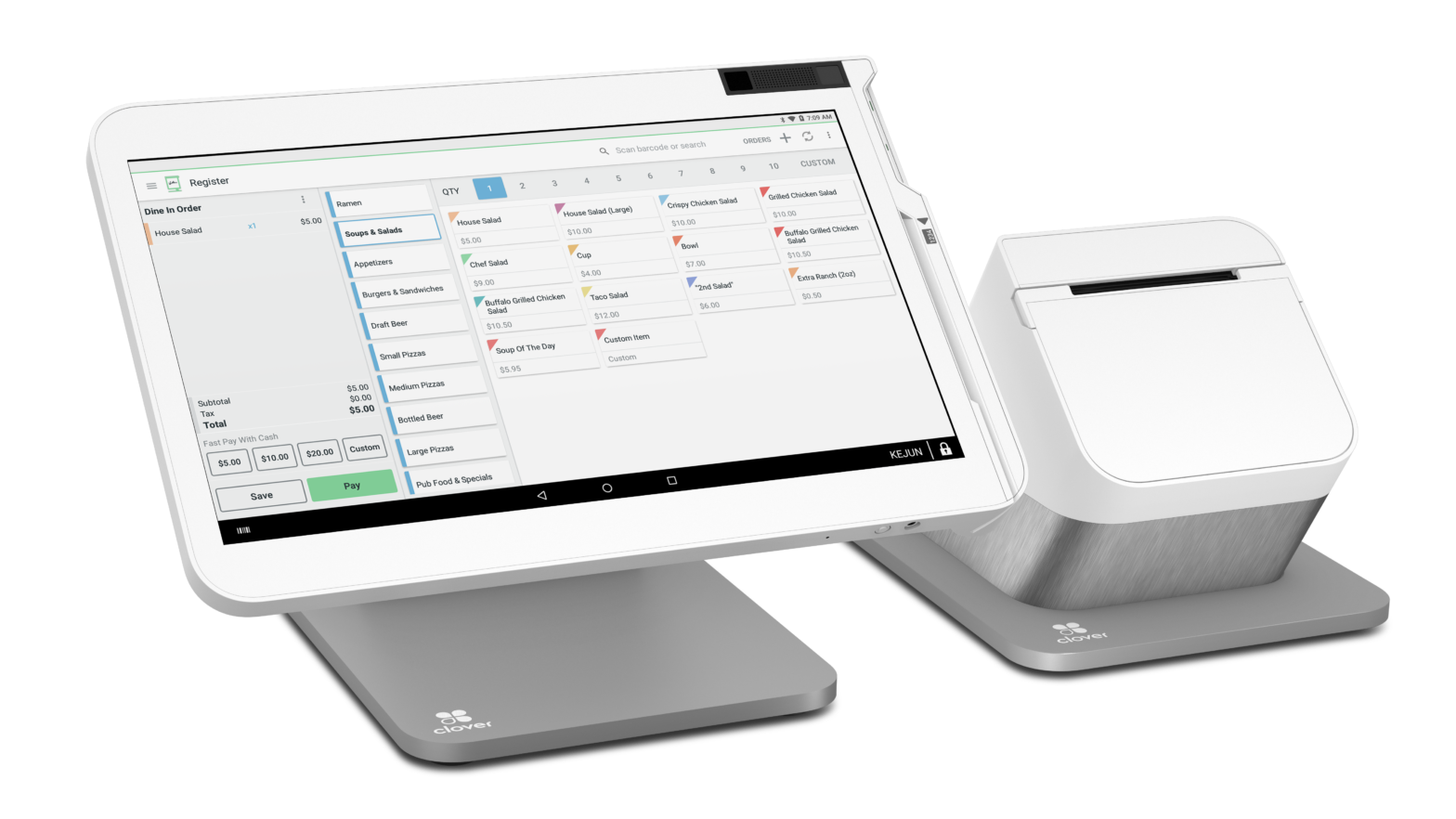
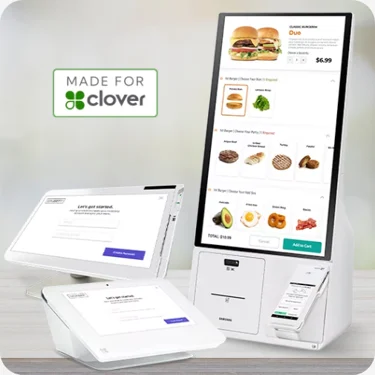

A Full Range of Terminal Options
Choose from our line of industry-leading terminal solutions.






“They simplified our services this year and saved us a lot of money on fees. The app is also very simple to use and set up. I look forward to continuing to work with them!”
Michael S.
Chicago, IL
“Very helpful and personable. Even got us set up the same day I applied. I definitely recommend!”
Joshua H.
Jacksonville, FL
Retail Payments FAQs
What type of hardware do I need for a POS system?
The hardware required includes a POS terminal or computer, cash drawer, receipt printer, barcode scanner, card reader, and possibly additional peripherals like customer displays or scales.
Can I use my existing hardware with a new POS system?
It depends on the compatibility of your existing hardware with the new POS software. Many modern POS systems are compatible with a wide range of hardware, but it’s important to check with the POS provider.
How does a POS system help with inventory management?
A POS system can track inventory in real-time, alert you when stock is low, and generate purchase orders. It helps reduce overstocking and stockouts, ensuring you have the right products available.
How long does it take to implement a POS system?
Implementation time varies depending on the complexity of the system and the size of your business. It can take anywhere from a few days to several weeks. Proper planning and training are crucial for a smooth transition.
How secure are POS systems?
Modern POS systems include security features such as encryption, secure user access controls, and compliance with PCI DSS (Payment Card Industry Data Security Standard) to protect sensitive data.
What should I do if my POS system goes down?
Ensure you have a backup plan, such as using offline mode if available, having a manual process in place, and contacting your POS provider’s support team for assistance.